Ecosystem lab
What changes when sunlight or water changes?
A living model students can push on to test cause and effect.
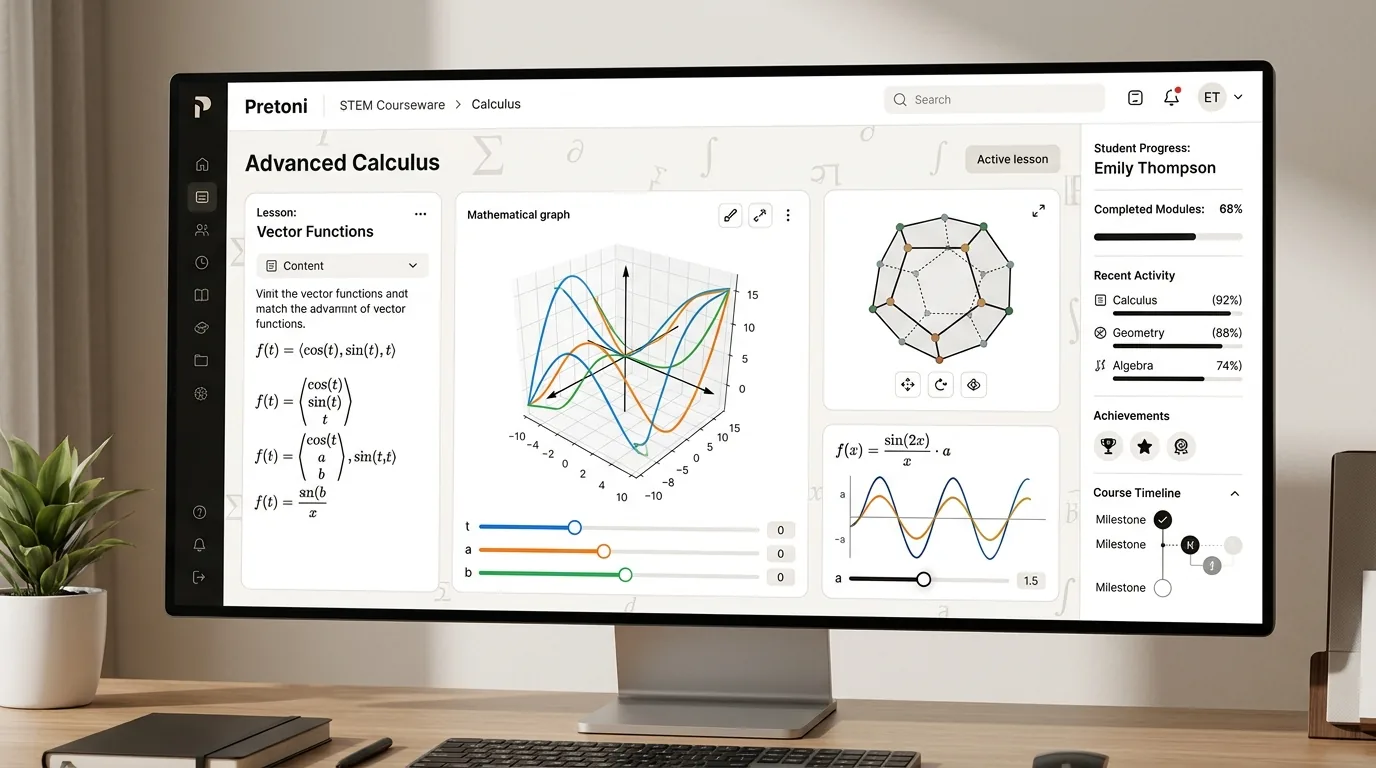
Interactive lab stations
Sliders, graphs and models that answer back, so learners can test an idea instead of just watching it.
Move a variable and watch the model respond in real time.
480px
960px/s
2Hz
Fixed ends only allow whole numbers of half-waves. That is where quantisation comes from.
Notice: the marked nodes never move — the two waves cancel there — while the antinodes swing furthest.
What changes when sunlight or water changes?
A living model students can push on to test cause and effect.
How do heat, wind and water shape a forecast?
Animated maps make an invisible system visible.
How does structure change meaning?
Move words, compare tone, build an explanation from evidence.
Which event caused the next one?
Source cards and decision points turn chronology into investigation.
Move something before anyone explains what it means.
It shows up in the model, not in a paragraph.
Learners put it in their own words first.
A new problem checks whether the idea actually moved.